
Pick Your Model and Mode
Choose Seedance or Veo, then select a mode to start from text, an image, or supported reference media.
Start with an idea, a photo, or a reference clip. Bring it into motion with Seedance or Veo, then preview and download your video—all in one workspace.
How it works
From your first idea to a video you can download, follow these four steps.
Choose Seedance or Veo, then select a mode to start from text, an image, or supported reference media.
Describe the subject, action, and camera movement. Add any images, video, or audio references supported by your selected mode.
Choose the available format, resolution, and duration. Review the credit amount shown on the Generate button before you submit.
Generate your video and review the result. Download the version you like, or refine your prompt and generate a new take.
Why Choose AIDance
Explore different models, guide your scene with references, and keep your video workflow in one place.
Switch between Seedance 2.0, Seedance 2.5, and Veo 3 in the same workspace. Each model offers its own mix of modes and settings.
Use an image to guide the look of a scene, or add supported video and audio references to shape the action. Available inputs depend on your model and mode.
Pick from the aspect ratios, resolutions, and duration options your model supports to suit the clip you have in mind.
Preview your output, revisit recent videos, and download successful results. Review important details before sharing or publishing.
Model guide
Meet Seedance 2.0 and Veo 3 below. Seedance 2.5 is also available in the generator, with additional video editing and extension modes.
Build short scenes from a prompt, an image, or supported visual and audio references, with optional generated audio.
Supported options vary by model, mode, and variant.
Supported options vary by model, mode, and variant.
Supported options vary by model, mode, and variant.
Choose a model based on your starting material, the scene you want to make, and the controls you need.
Application Scenarios
Explore product visuals, campaign concepts, story scenes, and fresh ideas for your next social post.

Bring product photos into motion and explore seasonal settings or short promotional concepts. Review product details before using a clip in a campaign.
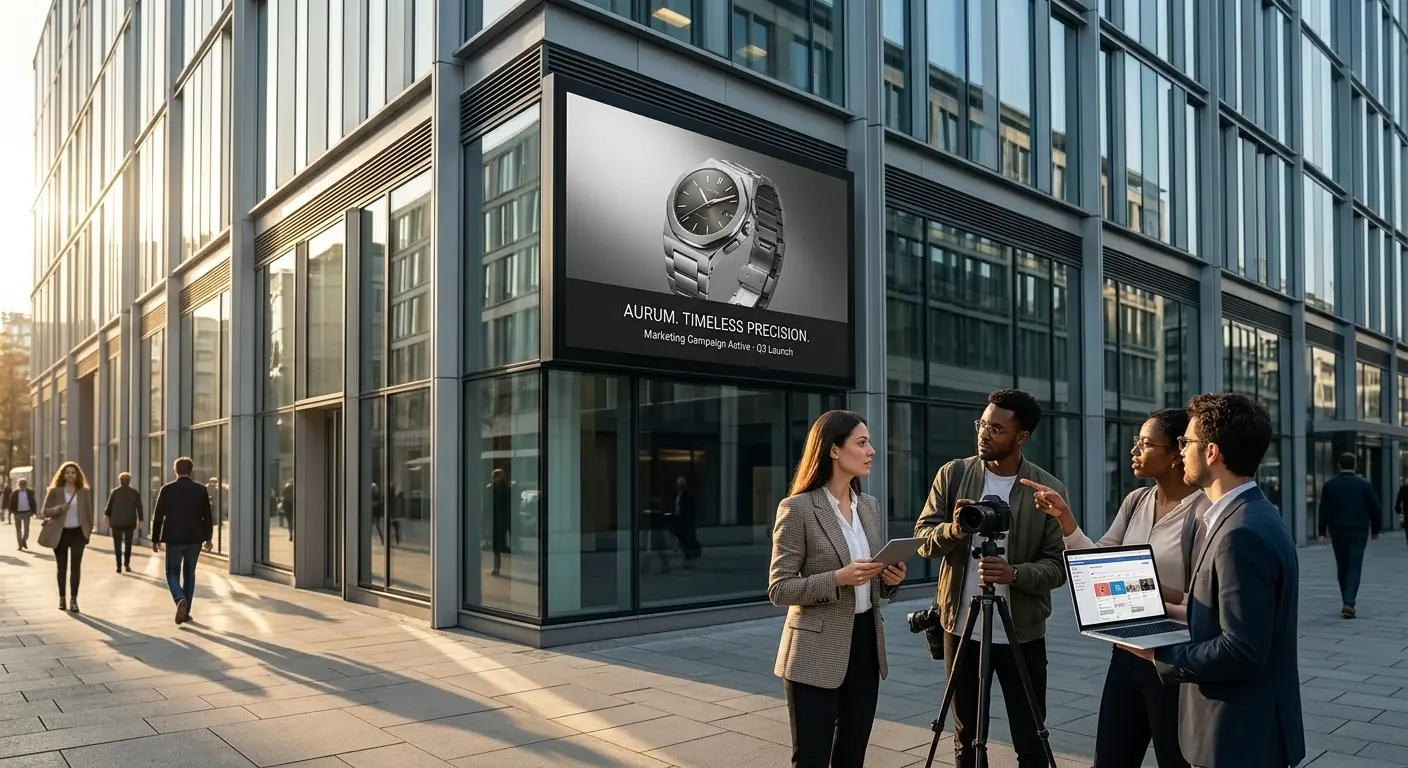
Turn a campaign brief into a launch teaser or a visual concept your team can review, refine, and build on.
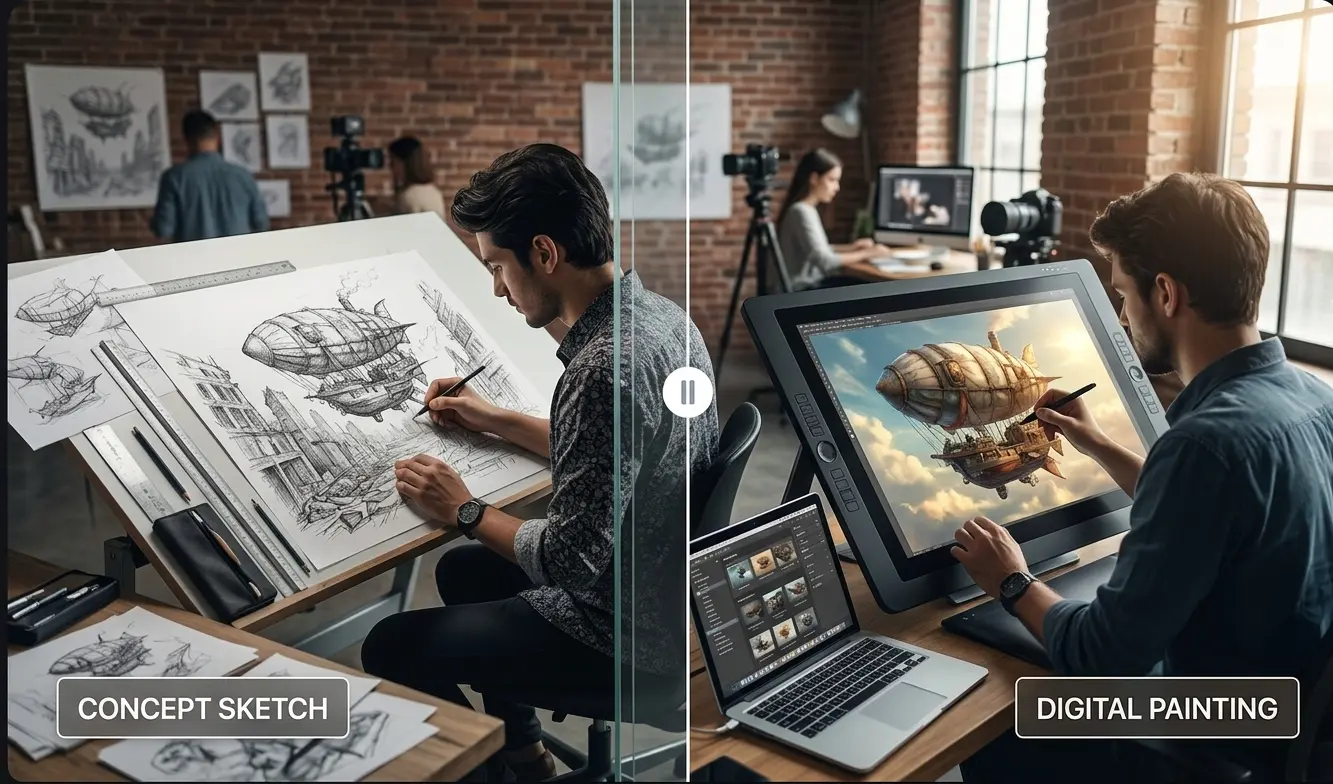
Explore character actions, camera angles, and key story moments with prompts and supported visual references.
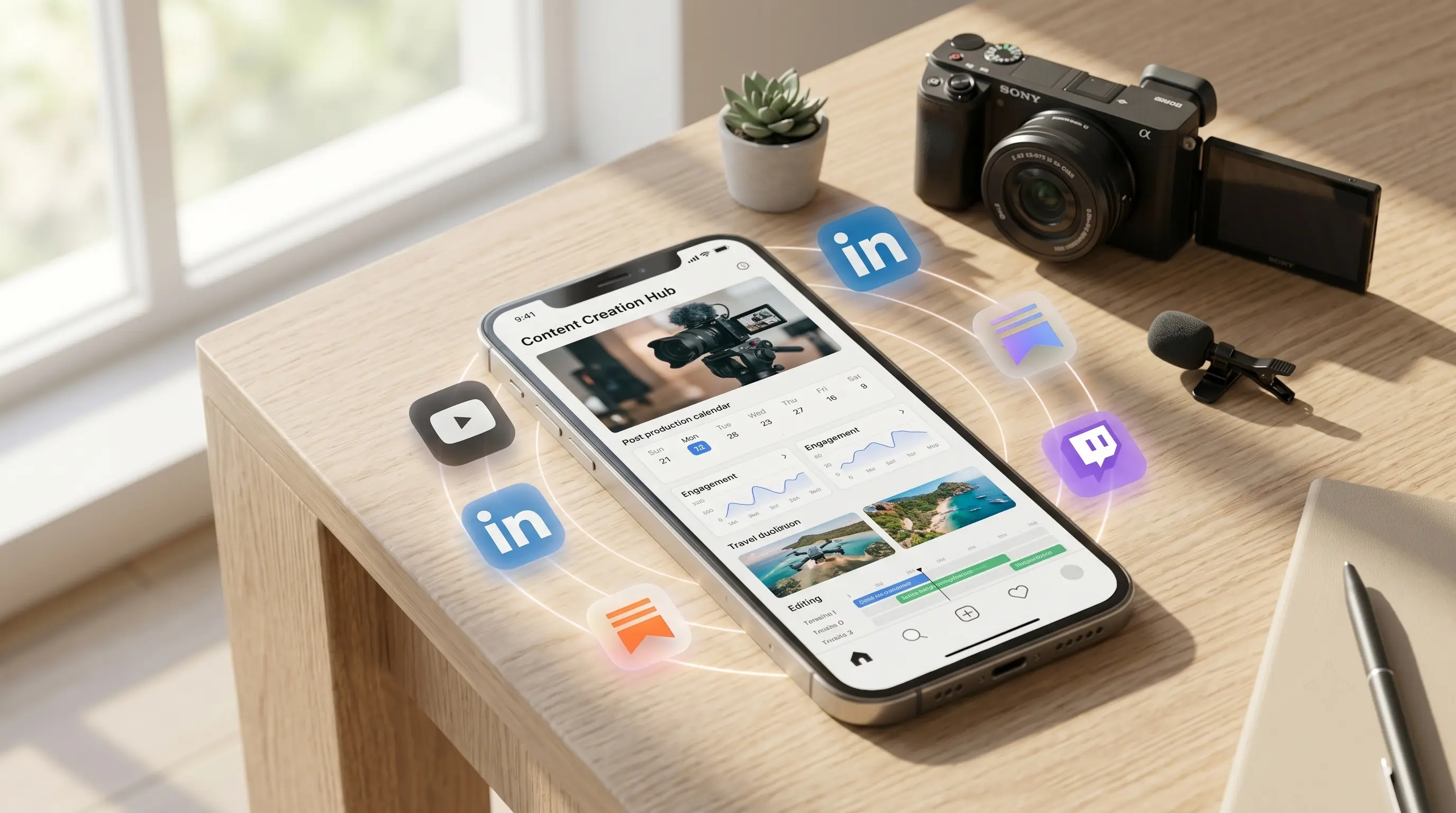
Try short clips for social posts, creator series, and dance-inspired concepts. Add your own references where the selected mode supports them.
FAQ
Get to know the models, creation modes, credits, and downloads before you start.
Choose your starting point, set the scene, and create your next video with AIDance AI Video Maker.
Create a VideoAIDance is an independent AI platform for video and image creation. AIDance is not affiliated with, endorsed by, or sponsored by OpenAI, Google, ByteDance, or any other AI model provider. Model names and trademarks belong to their respective owners.