
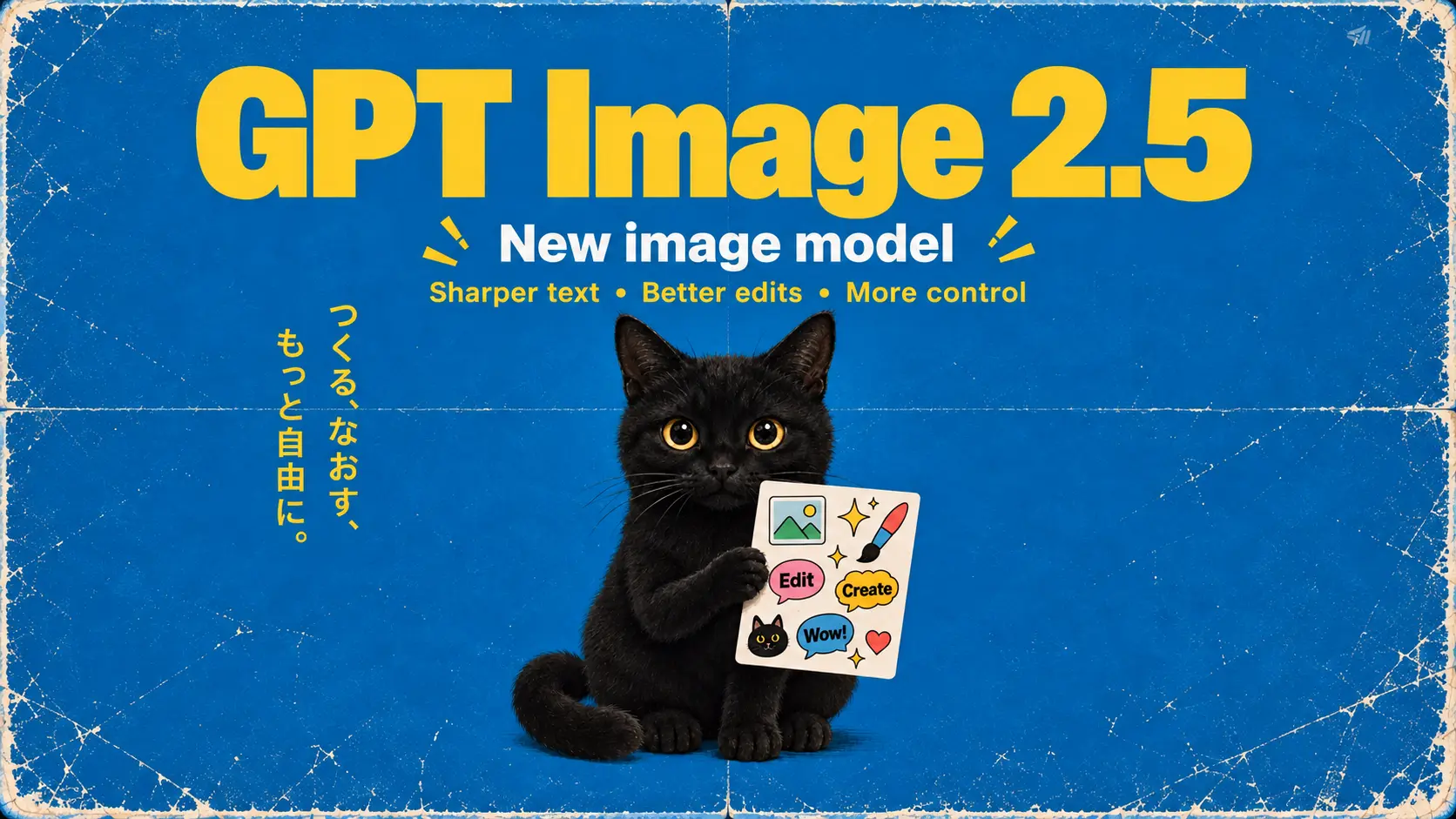
GPT Image 2.5
Create from text or edit references with GPT Image 2.5. Choose Flare or Sunburst in the generator above; the dedicated guide page is coming soon.
Dedicated guide coming soonDescribe a new scene or give a photo a fresh look. Create product visuals, character concepts, and images for your next video with prompts and references—all in one workspace.
More model options
Try Flare or Sunburst in the model selector above. Both are available for image creation and editing; a dedicated guide page is coming soon.
Create from text or edit references with GPT Image 2.5. Choose Flare or Sunburst in the generator above; the dedicated guide page is coming soon.
Dedicated guide coming soonHow it works
Take an idea from a first prompt to an image you can download in four steps.
Pick a model and create from text or edit an image. Describe the subject, setting, and look you want.
Upload references if needed, then choose the available aspect ratio, resolution, and quality settings. Check the credit amount before generating.
Bring your idea into view. Want a different background, color, or composition? Adjust your prompt, or use the result as a reference for another version.
Take a closer look at text, faces, and key details, then download the image you want to use.
Why Choose AIDance
Explore fresh ideas, guide edits with references, and prepare visuals for your next creative project.
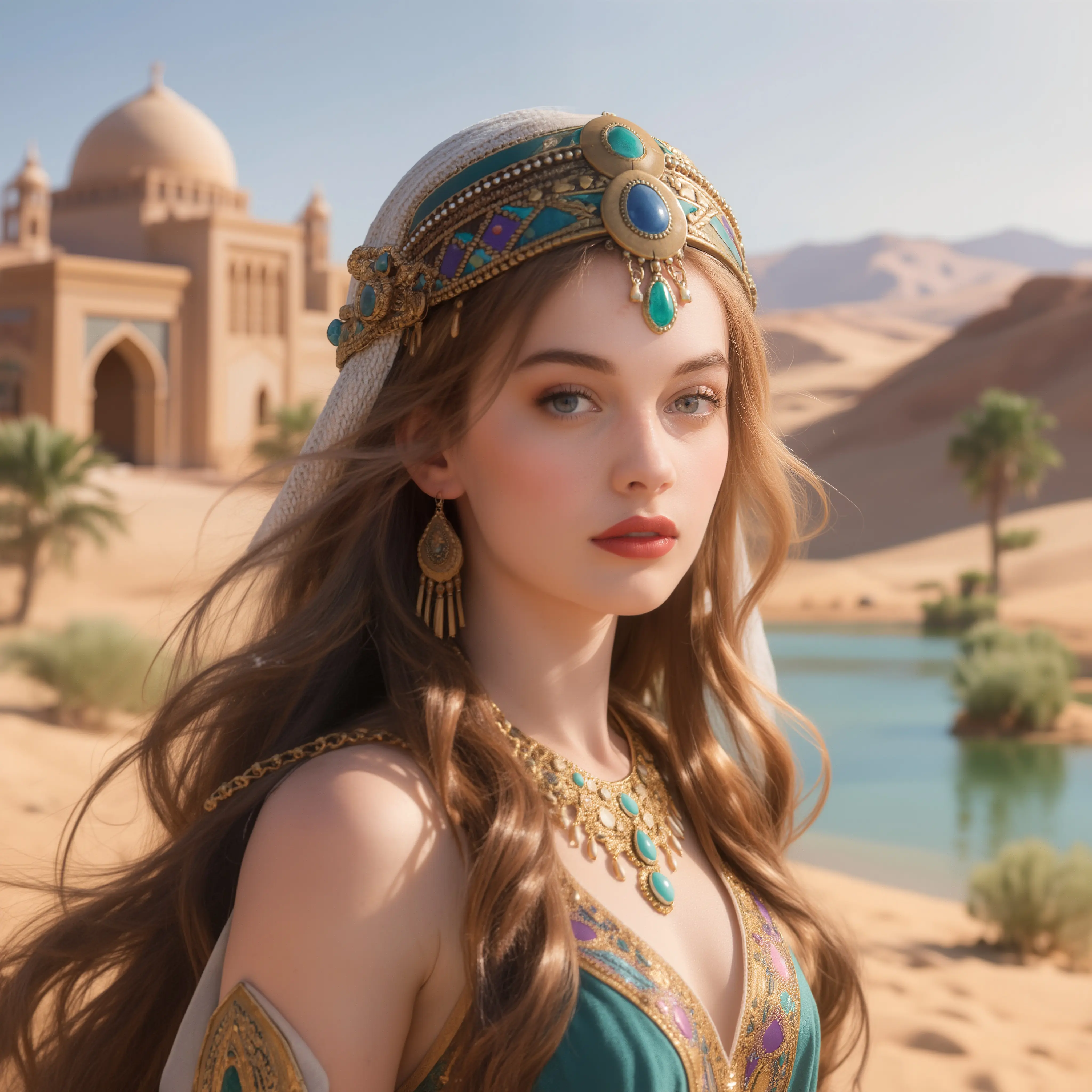
Explore Nano Banana and GPT Image models in the same workspace. Choose based on the reference inputs, formats, and controls your project needs.
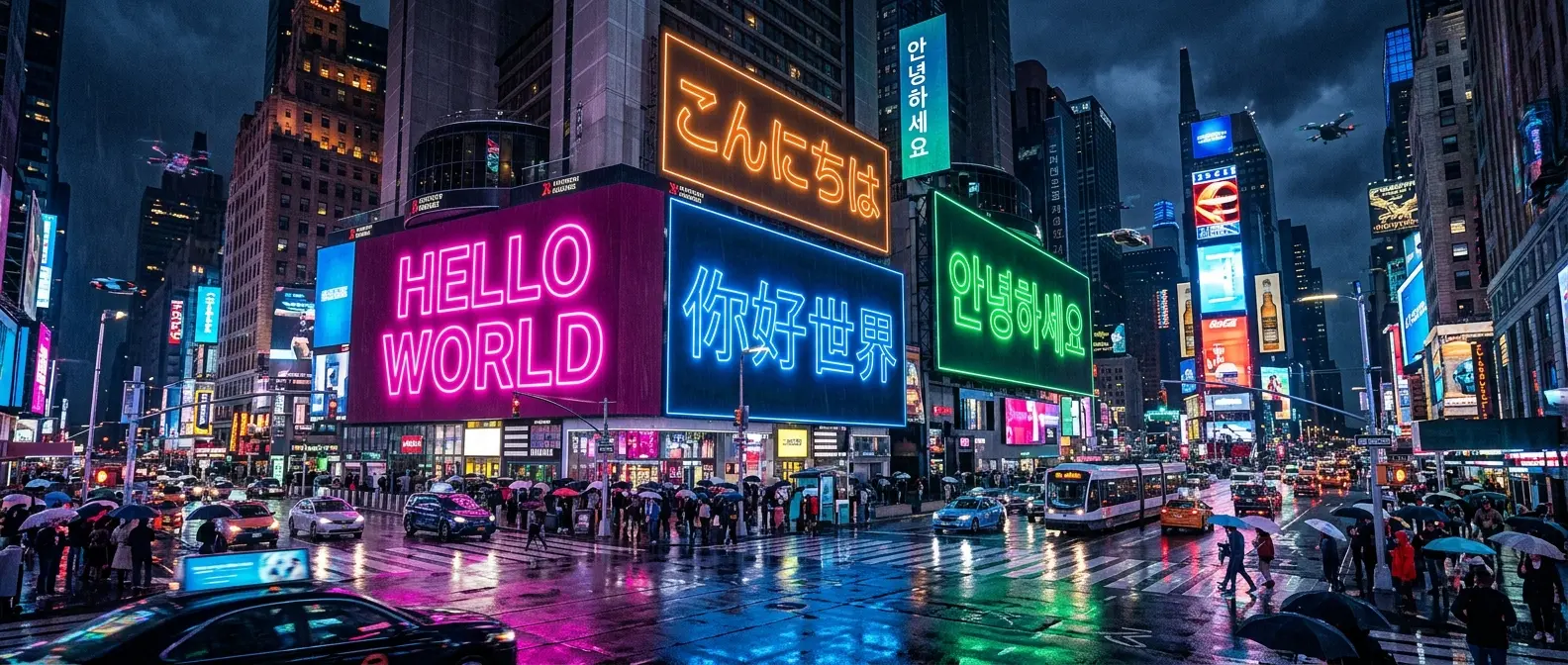
Upload an image and ask for a new background, different colors, or a lighting change. Explain what should stay, then use the result as a starting point for your next edit.
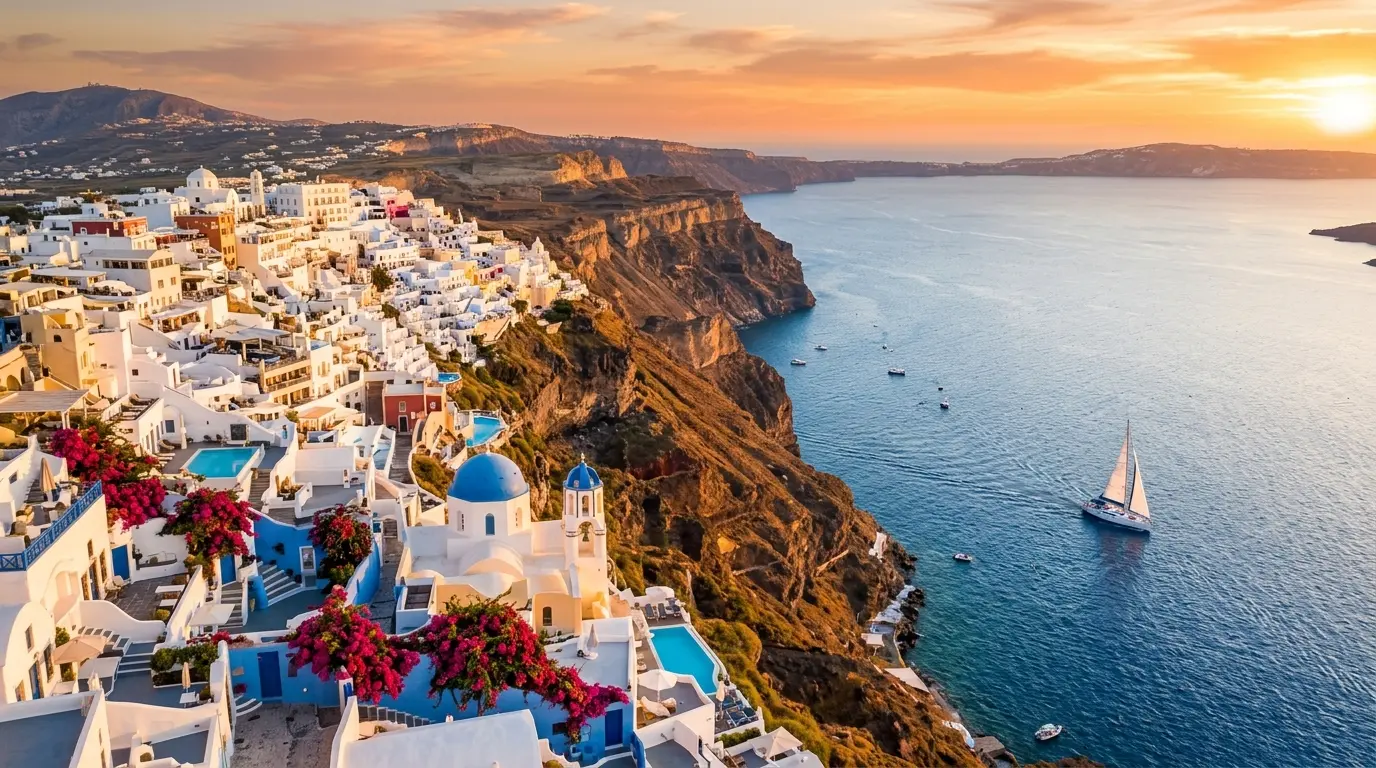
Choose an available aspect ratio and resolution for a portrait, social post, product scene, or wider composition. Settings vary by model.
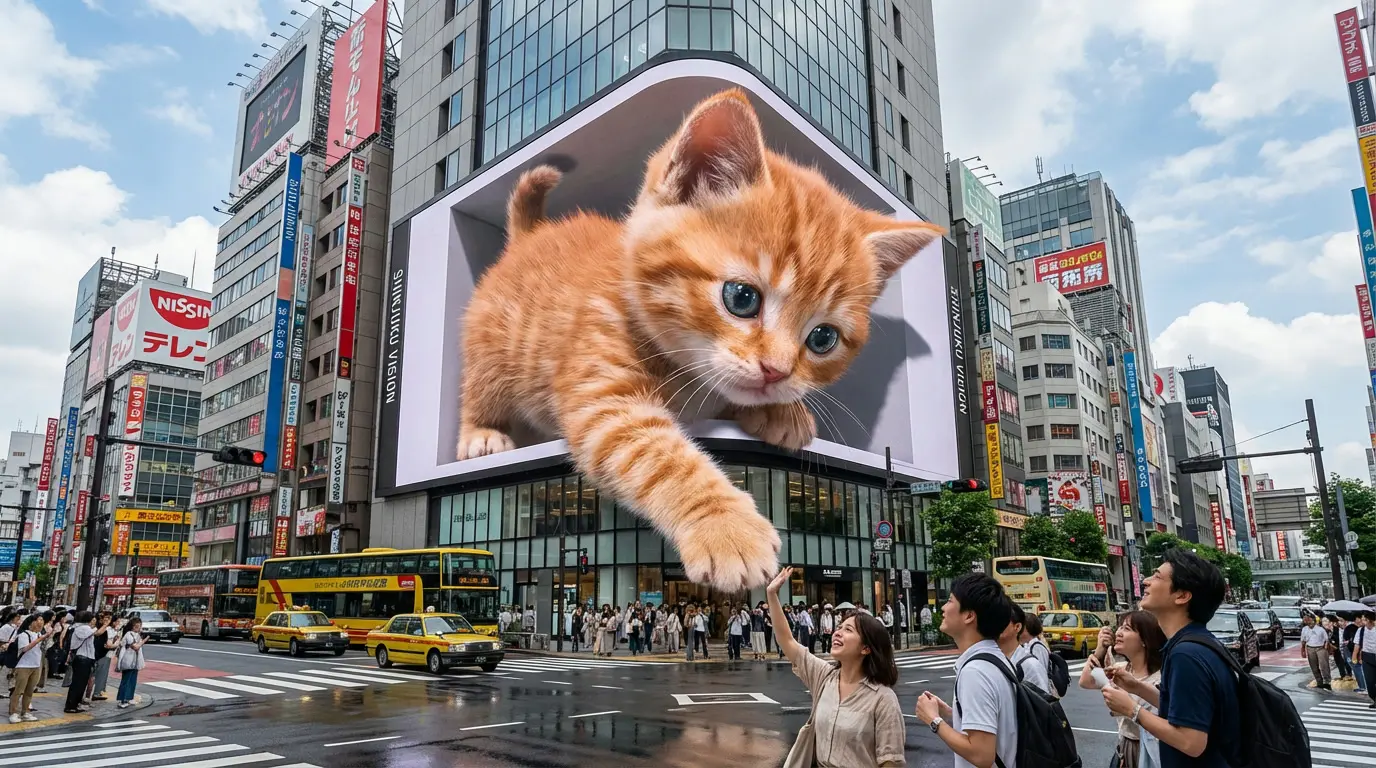
Develop a character, scene, or visual concept, preview the result, and download it for your next project—including use as a reference in a supported video workflow.
Model guide
Choose from Nano Banana 2, Nano Banana Pro, GPT Image 2, and GPT Image 2.5 Flare or Sunburst. Compare their inputs and controls to find a starting point.
Create from text or edit references with GPT Image 2.5. Choose Flare or Sunburst in the generator above; the dedicated guide page is coming soon.
Dedicated guide coming soonCreate from text or edit references with the Flare option.
Explore another image creation and editing option with Sunburst.
Select Flare or Sunburst, describe your image, and choose the resolution and quality settings available in the generator.
Creative possibilities
From a product setting to a character concept, give your next project a visual starting point.
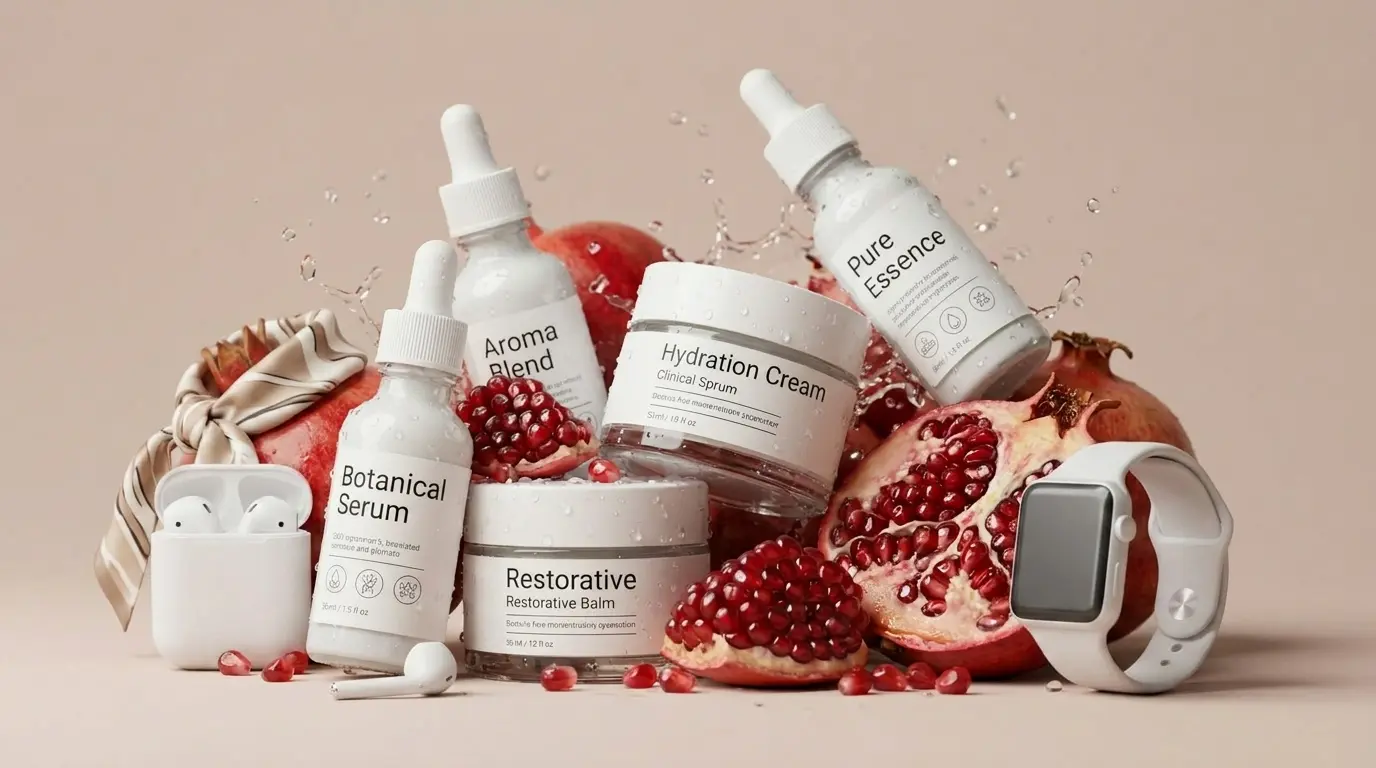
Explore seasonal backgrounds and new settings for product photos. Check shapes, labels, and important details before using a result in your store.
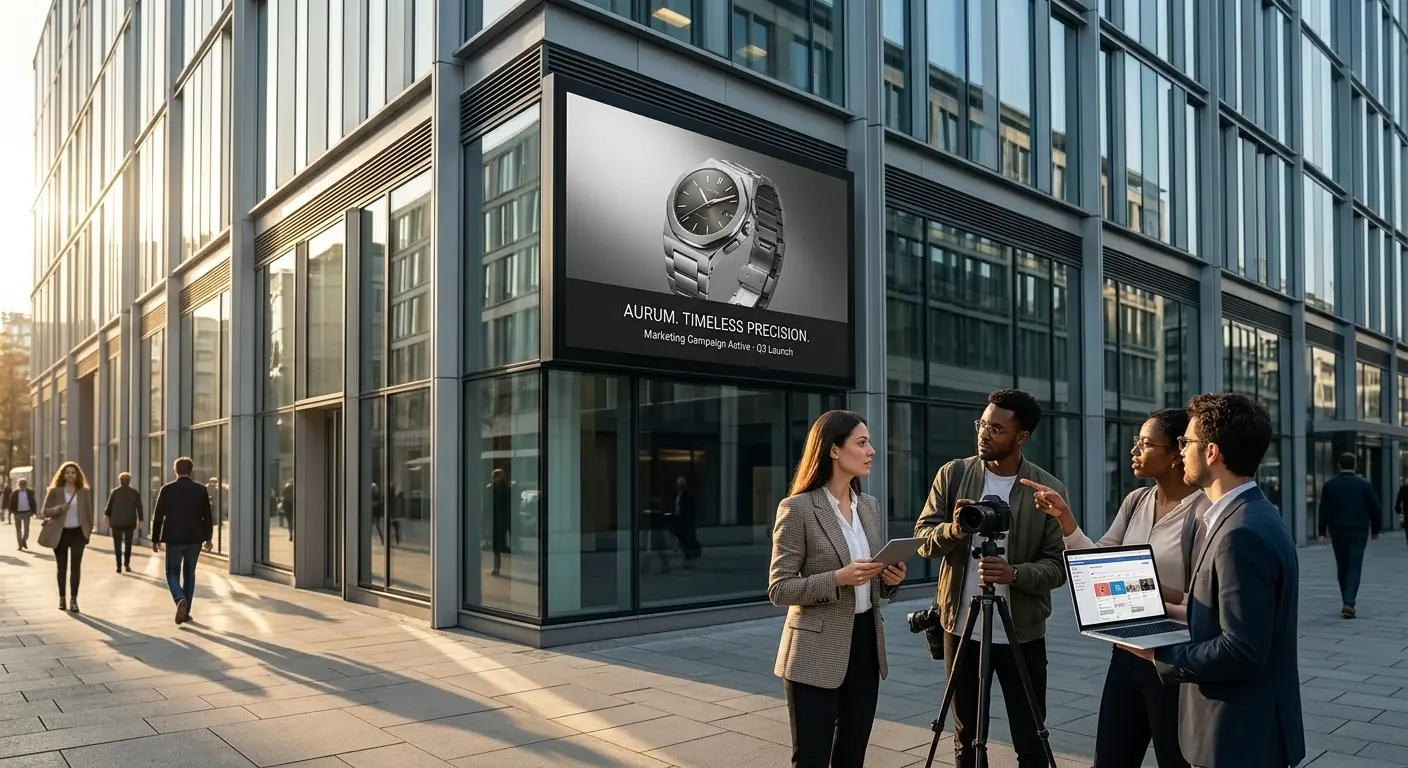
Turn a campaign idea into something your team can see. Explore directions for launches, promotions, and creative reviews.
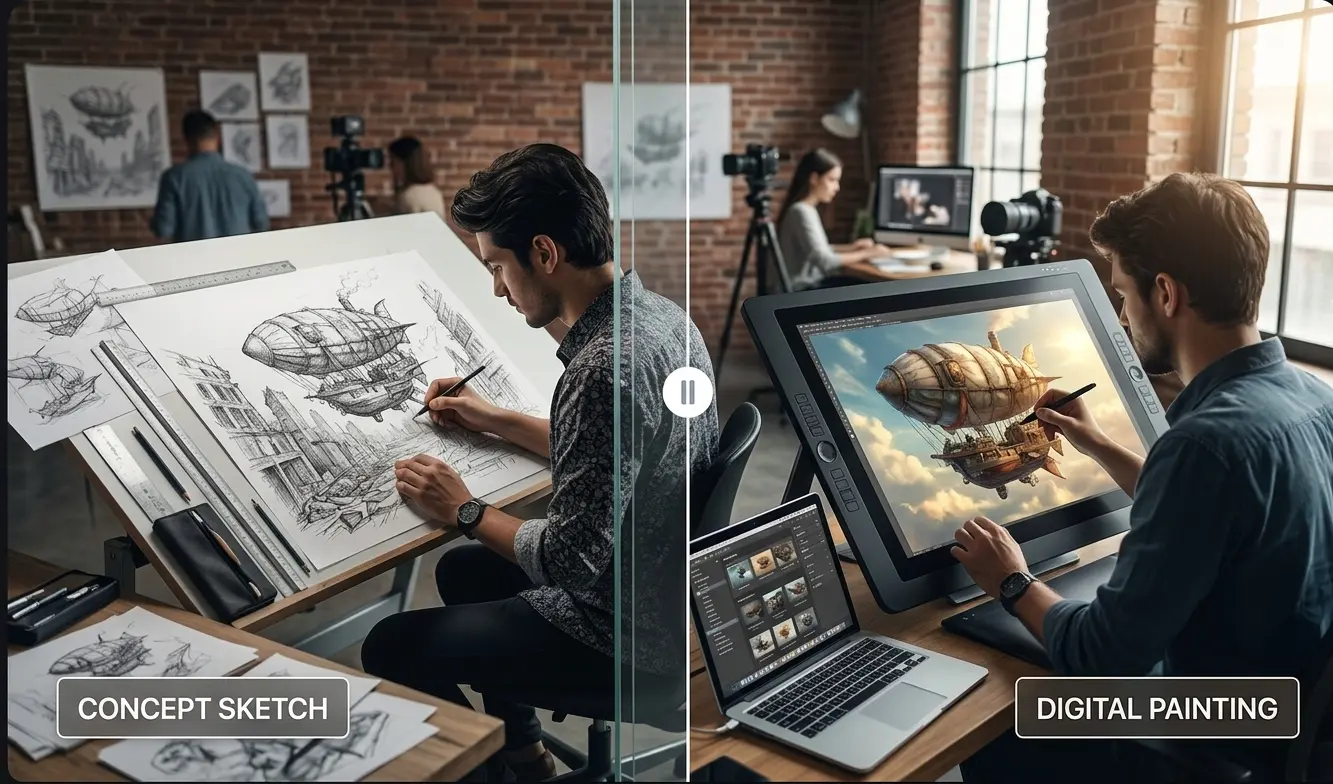
Develop a character look or sketch out a scene before creating a video. Use references to guide the design and select a version to build on.
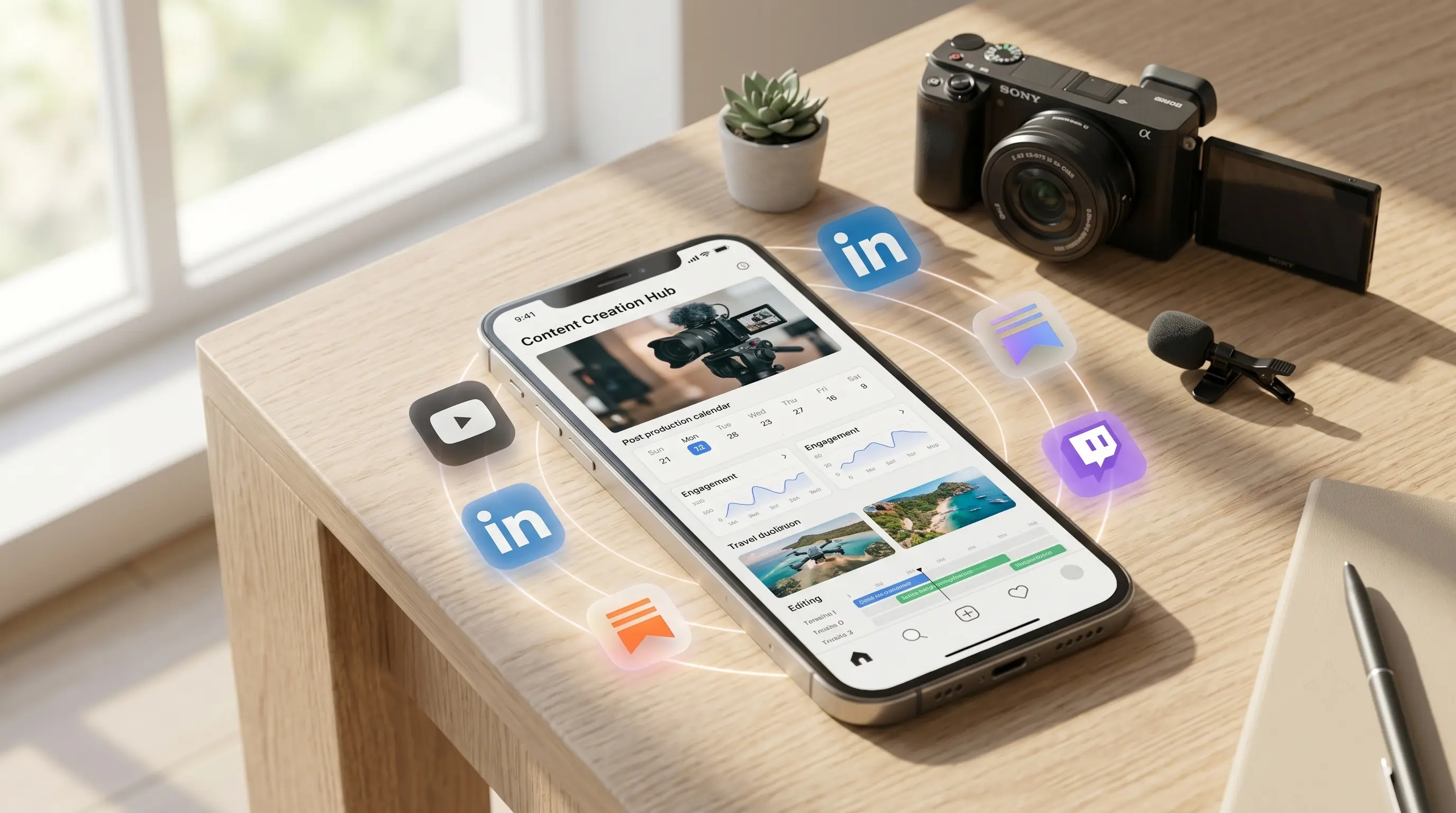
Explore covers, post visuals, and thumbnail ideas. Adapt your composition to the format and style of your next release.
FAQ
Find answers about models, references, editing, credits, and downloads.
Bring a prompt or a reference image and create your next visual with AIDance AI Image Maker.
Create an ImageAIDance is an independent AI platform for video and image creation. AIDance is not affiliated with, endorsed by, or sponsored by OpenAI, Google, ByteDance, or any other AI model provider. Model names and trademarks belong to their respective owners.